TRMNL Plugins
Background
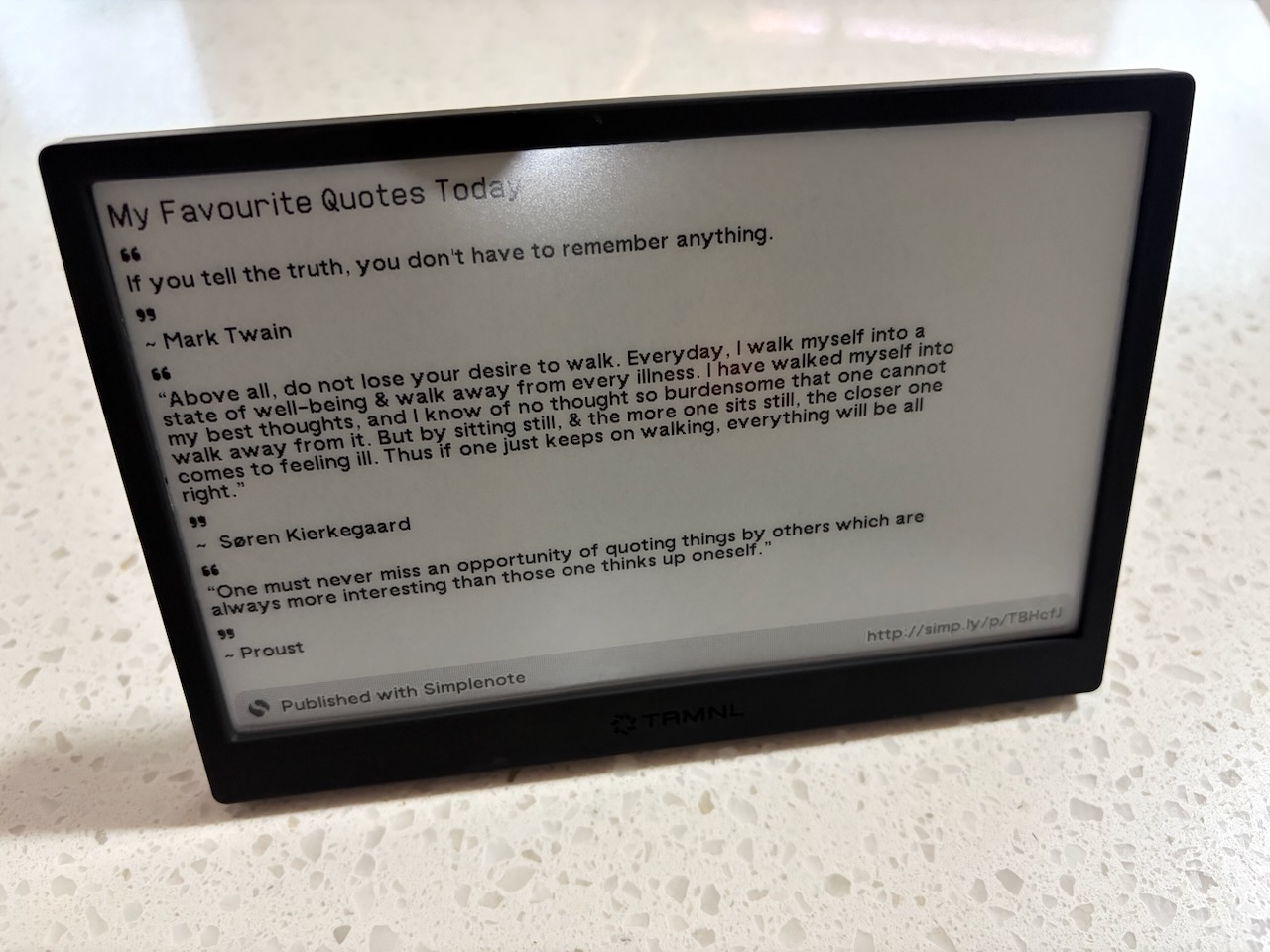
I am a big fan of TRMNL e-ink devices:
TRMNL is an e-ink companion that helps you stay focused.
I have authored a number of open-source plugins for these devices:
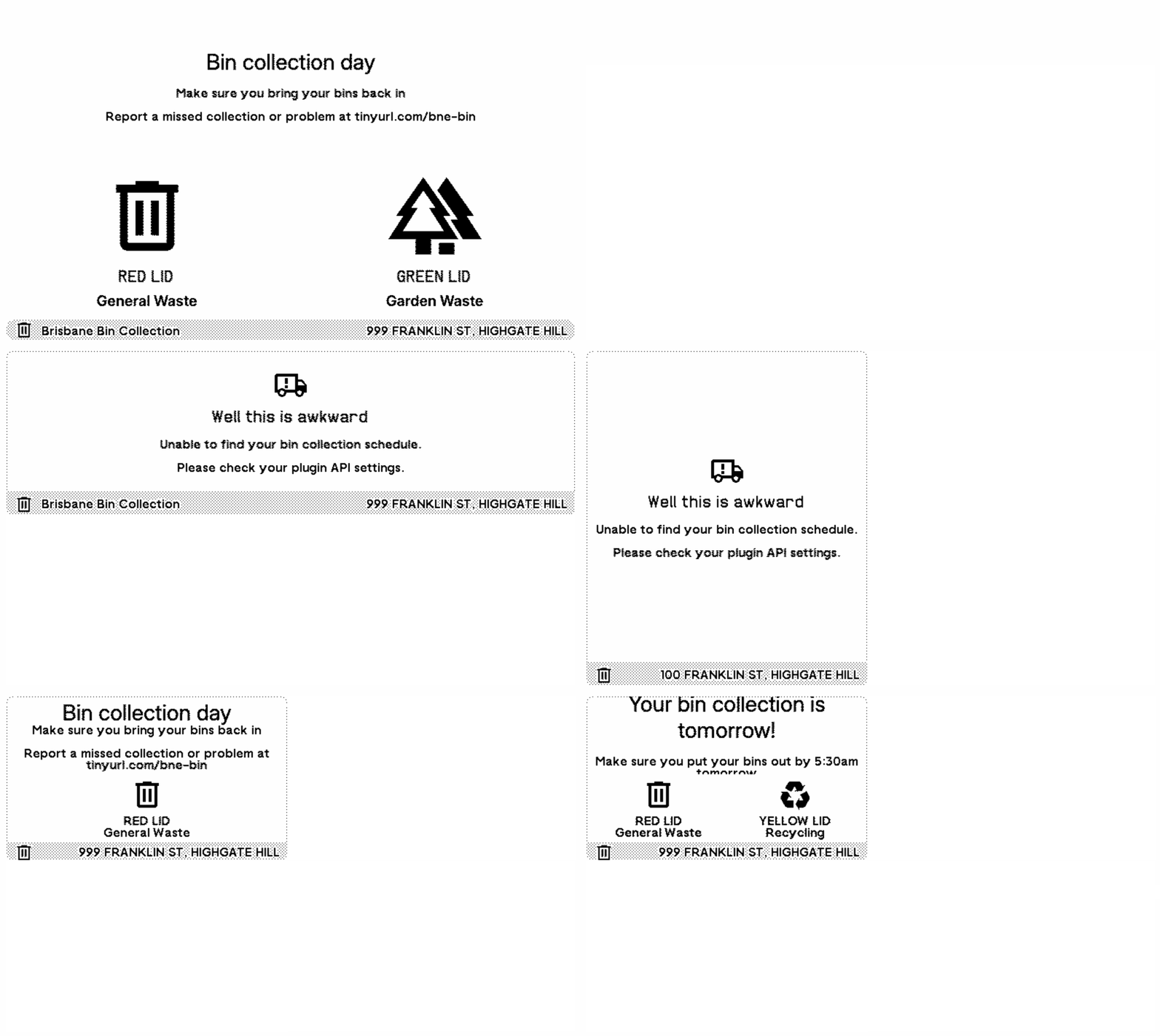
- TRMNL Brisbane Bin Collection Calendar: src install
- TRMNL International Flip Date Clock src install
- TRMNL Simplenote src install
- TRMNL Translink src install
TRMNL Template Repository
I created a template repository that makes it simple to get up and running on a new plugin, it specifies all the dependencies and even runs on a Github Codespaces instance with a few clicks. It also includes a Playwright example test that makes it easy to test your plugin which is useful when you have different user options and state that you wish to test via trmnlp.
The template repository is hosted here: https://github.com/alisterscott/trmnl-template
Running trmnlp on a Github Codespaces instance
It’s possible to run the trmnlp development environment on a Github Codespaces instance with a few small tweaks:
In your .devcontainer/devcontainer.json make sure you have ruby installed (I use the Playwright docker image so I can run Playwright tests against my plugin screens, more on this below), and forward port 4567 for the trmnlp preview front end.
{
  "image": "mcr.microsoft.com/playwright:v1.58.0",
  "forwardPorts": [6080, 4567],
  "postCreateCommand": "rbenv local && bundler install && npm install",
  "features": {
    "desktop-lite": {
      "webPort": "6080"
    },
    "ghcr.io/devcontainers/features/ruby:1": {},
    "git-lfs": "latest"
  }
}
I add a Gemfile and
source 'https://rubygems.org'

gem 'trmnl_preview', '0.7.1'
Once this is set up you can use rbenv to set your ruby version (I use v3.4.8), run bundler install to install trmnlp and finally you can run:
APP_ENV=production trmnlp serve to start trmnlp which runs on port 4567 forwarded above.
Note the APP_ENV=production environment variable is required to allow the port forwarding on Codespaces to work and be accessible via an external address.
Running Playwright Tests against trmnlp
Since trmnlp is just a local webserver it’s easy to configure Playwright to test it.
In our playwright.config.ts we add
use: {
  baseURL: "http://localhost:4567",
},
webServer: {
  command: "APP_ENV=production trmnlp serve",
  url: "http://localhost:4567",
  reuseExistingServer: !process.env.CI,
},
which tells Playwright to start the webserver to run tests and defining baseURL means we can do things like await page.goto('/full') without having to specifiy the webserver address.
The simplest test to make sure each route shows some content looks like:
const routes = ["/quadrant", "/full", "/half_vertical", "/half_horizontal"];

for (const route of routes) {
  await test.step(`Testing route: ${route}`, async () => {
    await page.goto(route);
    await page.getByRole("link", { name: "Poll" }).click();
    const trmnlFrame = page.frameLocator("iframe");
    await expect(
      trmnlFrame.locator("div.simplenotestart span.title"),
    ).toContainText("My Favourite Quotes Today");
  });
}
When all the tests are running you can see it cycling through different screens: